

Learn the pipeline, one operation at a time.
Every Vesta tool follows the same three-beat rhythm — upload, process, deliver. These guides cover what changes between them and how to get a publishable frame on the first pass.
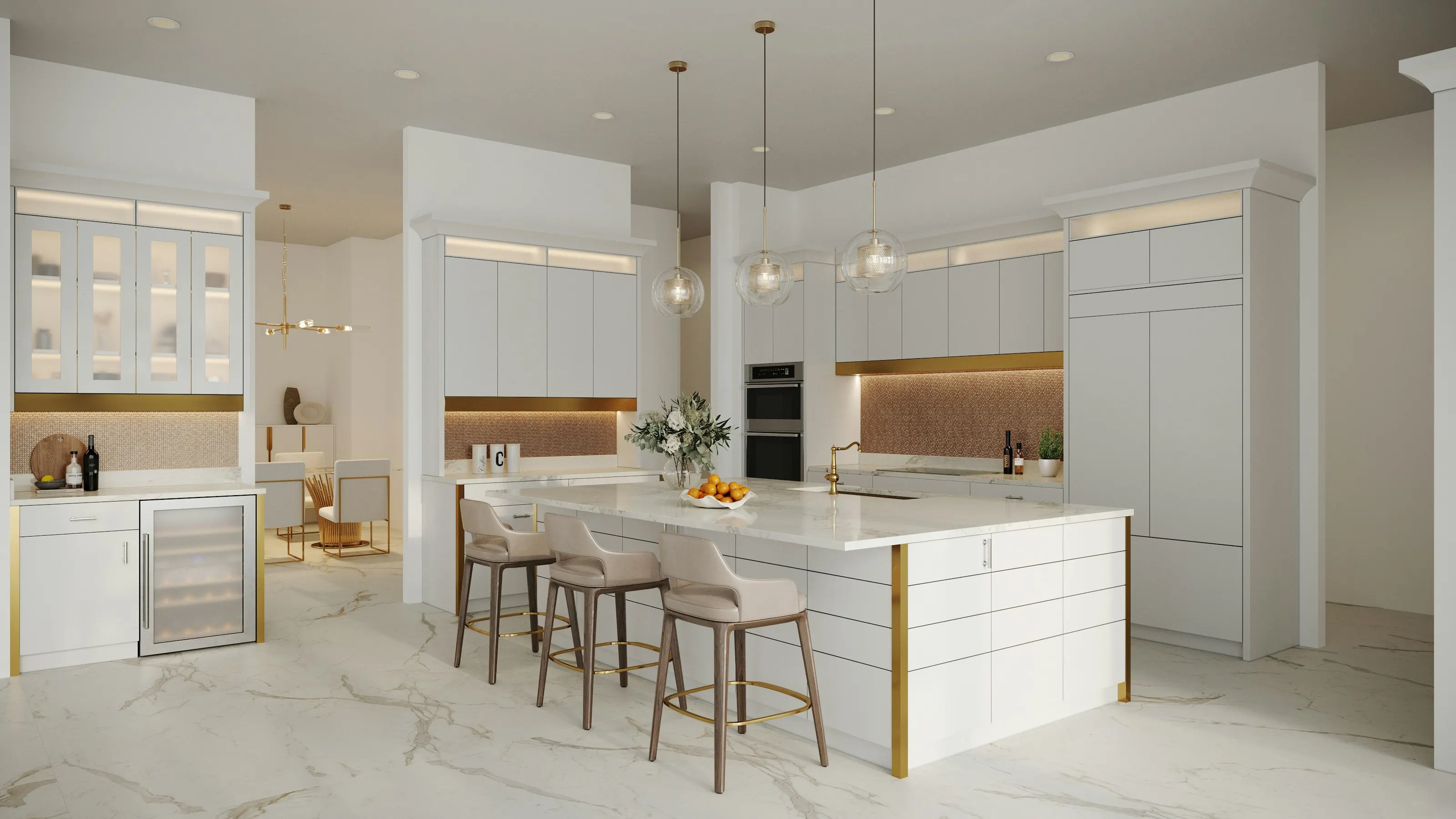
Illustrative photograph · Brian Zajac / Unsplash — not a Vesta render
Staging your first room
Start in the Studio, drop a single empty-room capture, pick an interior direction, and submit. The studio shows the room move from rendering to compliance hardening to done; a single render usually comes back in under a minute.
Open AI Virtual Staging →Keeping furniture consistent across angles
When you have shot the same room from several positions, use Multi-Angle Staging rather than staging each frame separately. It carries one furniture placement across the whole set so scale and position agree from every viewpoint.
Open Multi-Angle Staging →Batching a whole listing
Add every room of a listing during intake and the studio stages them as one listing. Each frame is rendered and hardened on its own, and your gallery shows the status of every one.
Open your gallery →Reading the compliance ledger
Every completed frame writes an immutable ledger row: the original photo's SHA-256, the staged frame's SHA-256, the MLS board ID, and the AB 723 checks that passed. A Postgres trigger rejects any later update or delete on that row.
Open Compliance →