
AI Tool
Material Overlay
Swap flooring, wall colour, tile, and cabinetry finishes with correct perspective and lighting response — the renovation decision, visualized before the deposit clears.
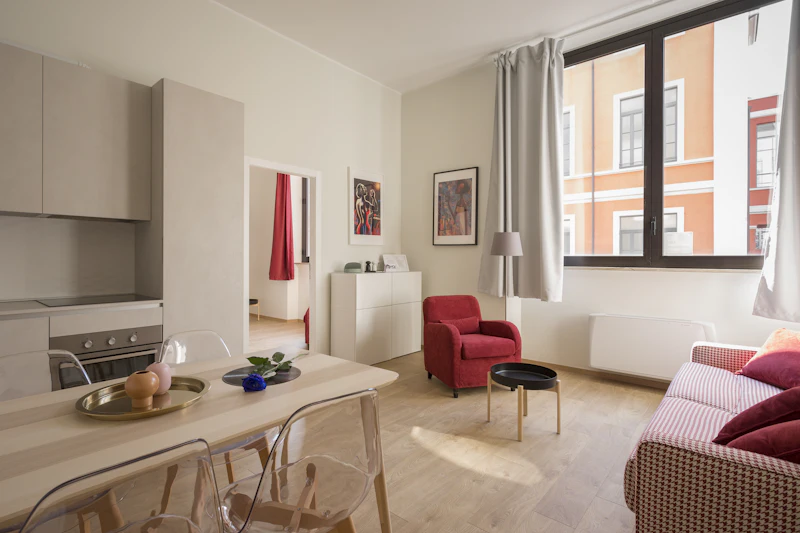
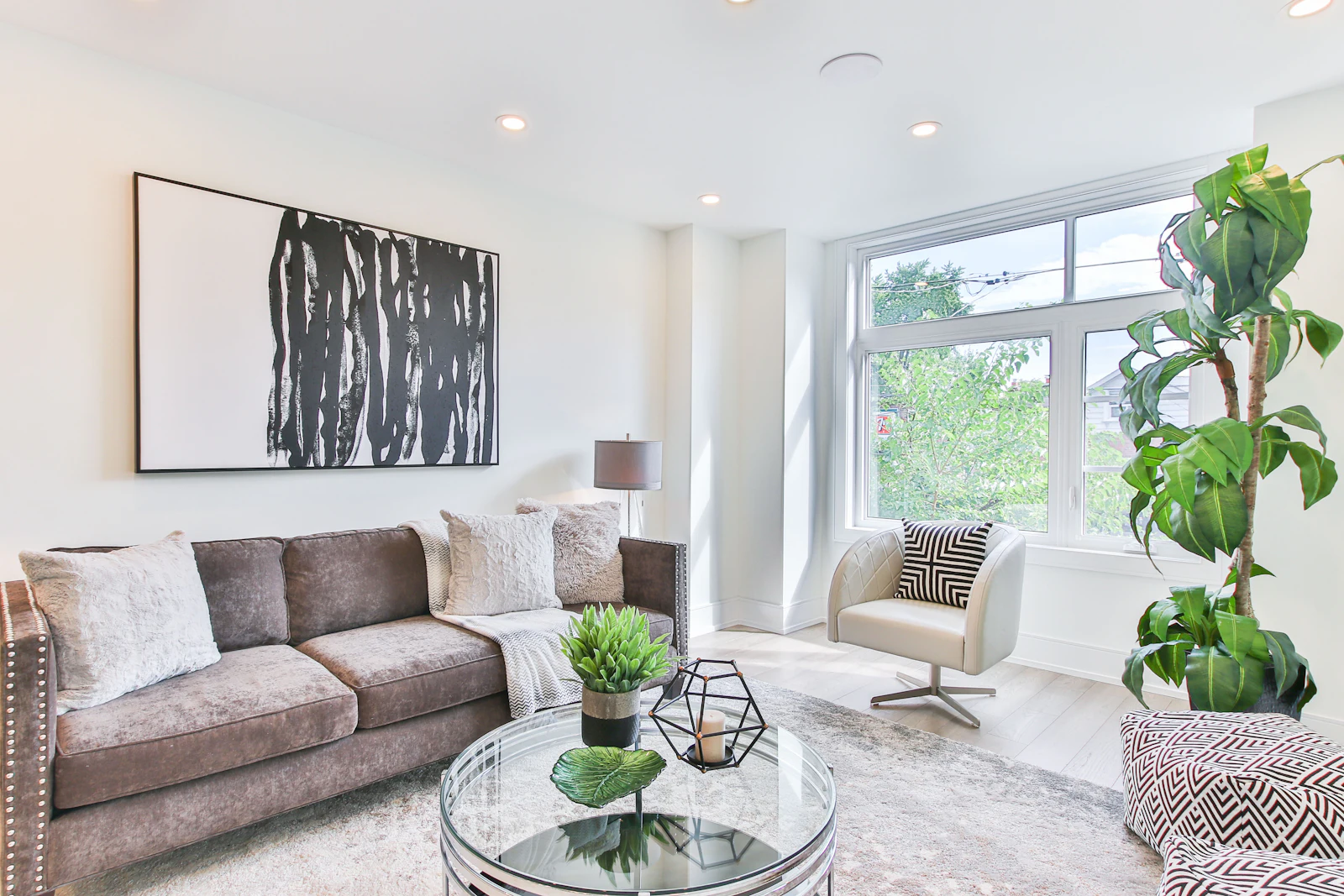
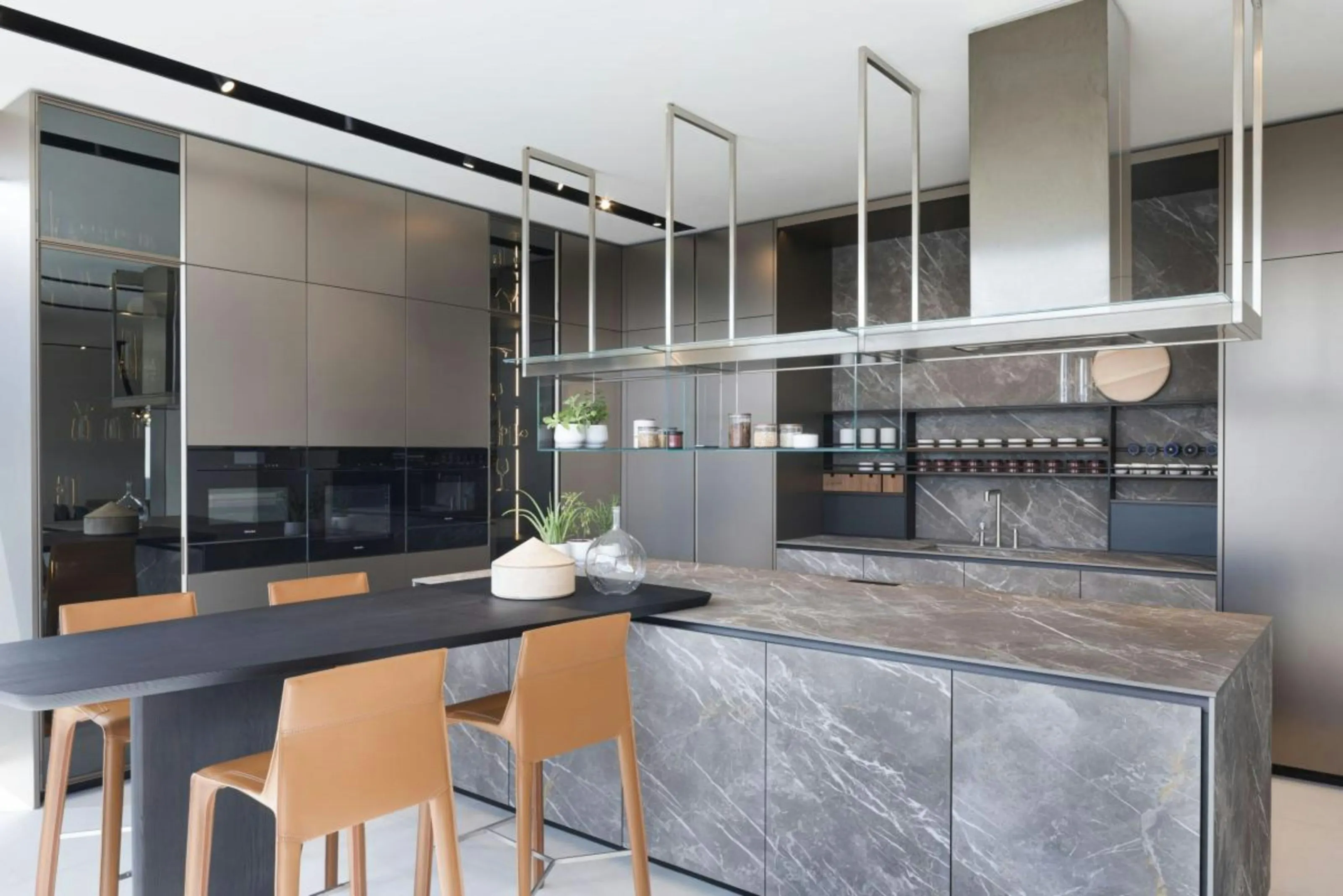
Illustrative photograph · Obegi Home / Unsplash — not a Vesta render
How it works
One compliance-hardened pipeline, every operation.
01
Upload
Drop in listing photography — JPG, PNG or WEBP — and tell the studio the room type and the style you want.
02
Render
The frame is rendered by Vesta's AI layer. Every request is validated before a credit is spent, so a malformed one costs nothing.
03
Harden
Before you see it, the render gets its permanent AB 723 disclosure, a SHA-256 hash of the finished file, and an append-only audit-ledger entry.