

The broad questions, answered on one page each.
Each guide opens with a short answer you can take at face value, then goes into how it works, what it costs and where it stops. Every product statement describes what Vesta Studio does today.
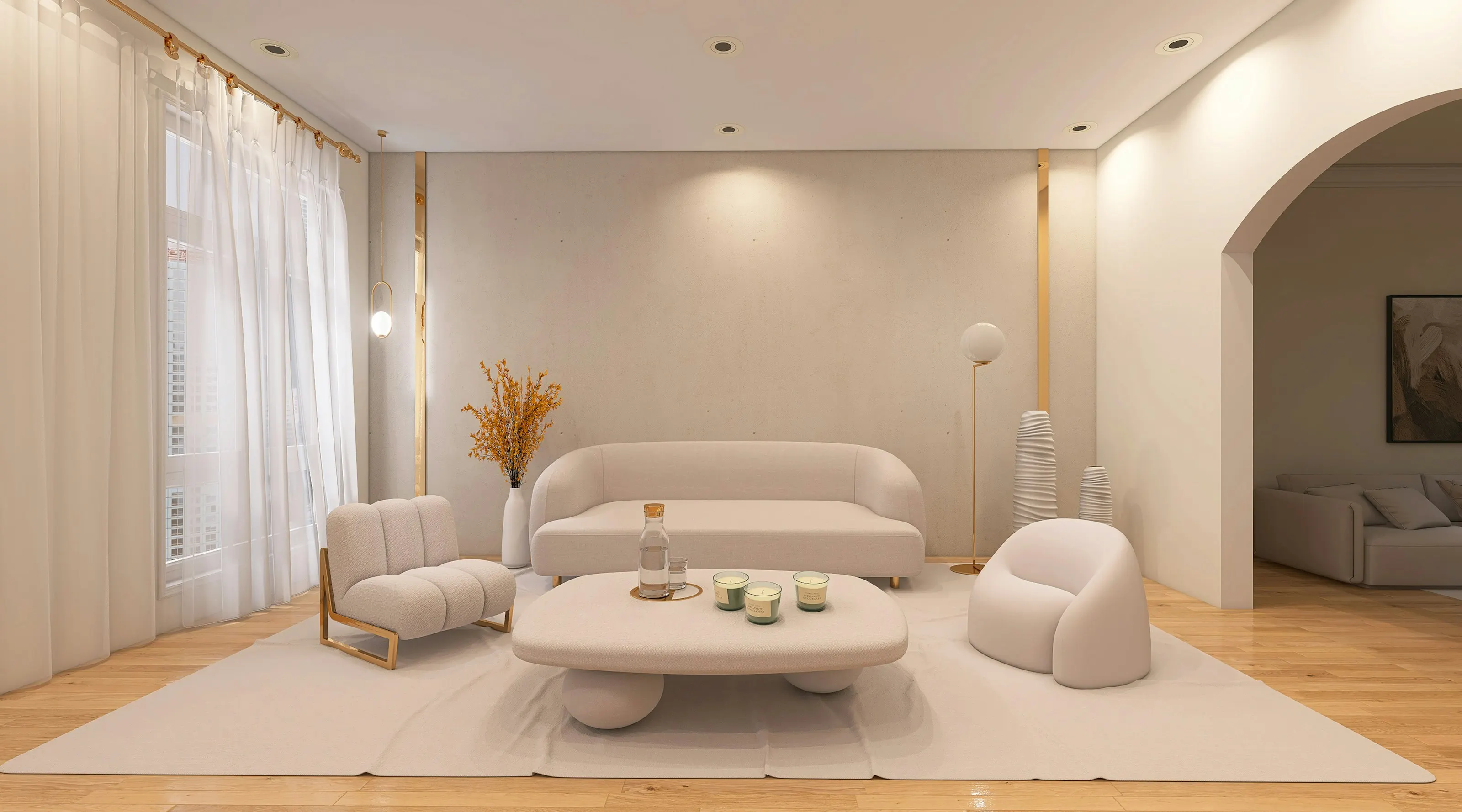
Illustrative photograph · Pipcke / Unsplash — not a Vesta render
- 01 · Guide
AI virtual staging
AI virtual staging adds furniture and decor to a photograph of an empty or dated room while keeping the room's real walls, windows and floor.
How AI virtual staging furnishes listing photos, what it costs per room, where it falls short, and how to disclose it under California's AB 723.
Read the guide → - 02 · Guide
AI for real estate
For a real estate listing, AI is most useful on the photographs and the description: furnishing empty rooms, cleaning up and relighting photos, and drafting copy from facts the agent supplies.
Where AI genuinely helps a real estate listing today, from staging and photo edits to listing copy, and the honesty rules each use has to follow.
Read the guide → - 03 · Guide
Real estate AI automation
Vesta Studio automates the repetitive parts of preparing listing photos: one intake for a whole listing, every angle of a room staged on one seed, and the disclosure and audit record applied to every render.
What Vesta Studio automates for a listing today, from copy drafts and staging by area to disclosure and the ledger, and what is still only a preview.
Read the guide → - 04 · Guide
Virtual staging styles
Vesta Studio's staging screen offers six design styles (Modern Minimal, Scandinavian, Industrial Loft, Mid-Century, Boho Chic and Rustic Cabin) and six room types.
The six design styles and six room types in Vesta Studio's staging screen, what defines each style, how to choose one, and the wider style list in the AI tools.
Read the guide →