

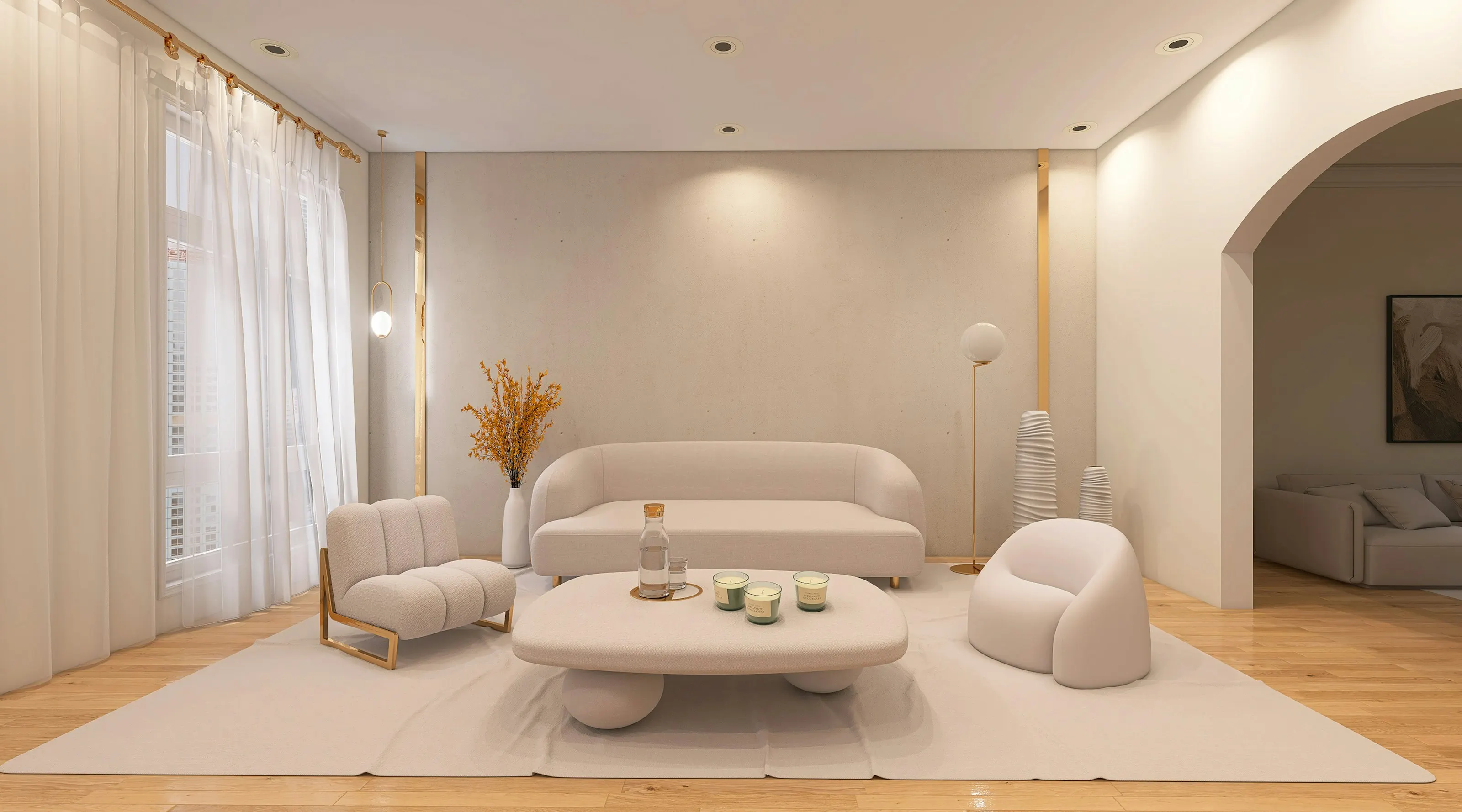
AI virtual staging, explained from the photograph up
How AI virtual staging furnishes listing photos, what it costs per room, where it falls short, and how to disclose it under California's AB 723.
Illustrative photograph · Pipcke / Unsplash — not a Vesta render
Updated · Vesta Studio
In short
- AI virtual staging adds furniture and decor to a photograph of an empty or dated room while keeping the room's real walls, windows and floor.
- In Vesta Studio one finished standard image is one credit, and every new account starts with a free trial of three images.
- A virtually staged photo is a digitally altered image, and California's AB 723 requires a statement on or beside it plus a link to the unaltered original.
- Vesta applies the disclosure to every render and publishes each original on a public page; the agent places the link in the advertisement.
What happens to the photograph
You upload a photograph of the room in JPG, PNG or WEBP and tell the studio two things: the room type and the design style. A short note can name specific pieces, such as a cognac leather sofa or a walnut dining table. The staging model then composes furniture into the room it was given, matching the perspective, scale and light it reads from the photograph, rather than generating a new room.
Before you see the result, Vesta hardens it: a disclosure chip is burned into the corner of the image, the finished file is fingerprinted with SHA-256, and an entry is written to an append-only ledger. How that record works is covered in the journal.
Room types and design styles
The staging screen offers six room types (living room, bedroom, dining room, kitchen, home office and bathroom) and six design styles: Modern Minimal, Scandinavian, Industrial Loft, Mid-Century, Boho Chic and Rustic Cabin. The room type steers the render, so choose the room's real purpose. The styles guide covers what each style looks like and where it fits.
Several photographs of one room
Buyers flick between several photos of the same living room. Multi-angle staging renders every frame of one area in a single pass with the room type, style and generation seed held identical, so the set shares a palette and a furniture language. The model still composes each view on its own, so individual pieces will not line up exactly between angles, and a frame that strays can be re-run on the same seed. Why angles never quite match explains the mechanics.
What it costs
- Free trial: three images (credits), once per account, with no card. Trial exports carry the Vesta studio mark; any paid plan removes it.
- Solo: $29 a month for 45 credits.
- Agent: $50 a month for 75 credits.
- Studio: $180 a month for 280 credits.
- Atelier and Enterprise: arranged through sales, from $280 and $1,200 a month, with an allowance negotiated to your volume.
One credit is one standard image up to 1536 pixels. Asking for several variants, or a higher output resolution, uses one more credit for each extra image or resolution step. Unused plan credits roll over, and annual billing is 15% off. One-time credit packs are no longer sold.
Where it falls short
- It cannot change the property. Adding furniture is staging. Widening a room, hiding damage or changing the view from a window is misrepresentation, and no disclosure makes it acceptable.
- It interprets a brief rather than obeying it. Check every render against the original photograph and against what you asked for.
- It does not furnish the room at the showing. A buyer who visits sees the empty room, which is exactly why the photo has to say it was staged.
Disclosing it
Every staged photo is a digitally altered image. California's AB 723, which added Business and Professions Code § 10140.8 and has applied since 1 January 2026, asks for a statement that the image has been altered, on or next to it, and a link, URL or QR code to a publicly accessible page showing the original. Vesta applies the statement to every render and publishes each original; you place the link in the advertisement. This is a summary, not legal advice; the full explainer goes further.
Questions, answered
Does AI virtual staging change the walls, windows or floor of a room?
It should not, and Vesta Studio is built not to: furniture is composed into the room you photographed, keeping its walls, windows, floor and proportions. The model interprets rather than obeys, so compare every render with the original before publishing it.
What makes a photograph stage well?
A level camera at about chest height, a frame that shows two walls and plenty of floor, even light, and an empty room. A crooked horizon or a floor cut off at the bottom of the frame carries straight through into the staged image.
How many credits does one staged room use?
One. A credit in Vesta Studio is one standard image up to 1536 pixels; asking for several variants or a higher output resolution uses one more credit for each extra image or resolution step.
Do unused staging credits expire at the end of the month?
No. Credits granted by a Vesta Studio plan roll over, so an allowance you do not use in one month is still there the next.
Can the AB 723 disclosure be removed from a staged photo?
No. Vesta burns the disclosure into every render before you see it, and no plan can remove it. Paid plans remove the separate Vesta studio mark that trial exports carry, not the disclosure.
Where do buyers find the original, unstaged photo?
On a public page Vesta publishes for every staged photo, which shows the original, labelled as the original, beside the staged version, with no account needed. Each export can carry a QR code to that page, and each listing has one link to all of its originals.
Can I stage a room that still has furniture in it?
Yes, in two ways. Room Declutter strips a room back to empty so it can be staged from scratch, and Add Furniture adds pieces to a partly furnished room. Both are edits to disclose, and the result should be checked against the original.
Which file formats does a staged export come in?
JPG or PNG. Every export carries the disclosure, can carry a QR code to the original, and is fingerprinted and recorded in the ledger again, because a resized or re-encoded file would no longer match the render.