

Real estate AI automation, without the overstatement
What Vesta Studio automates for a listing today, from copy drafts and staging by area to disclosure and the ledger, and what is still only a preview.
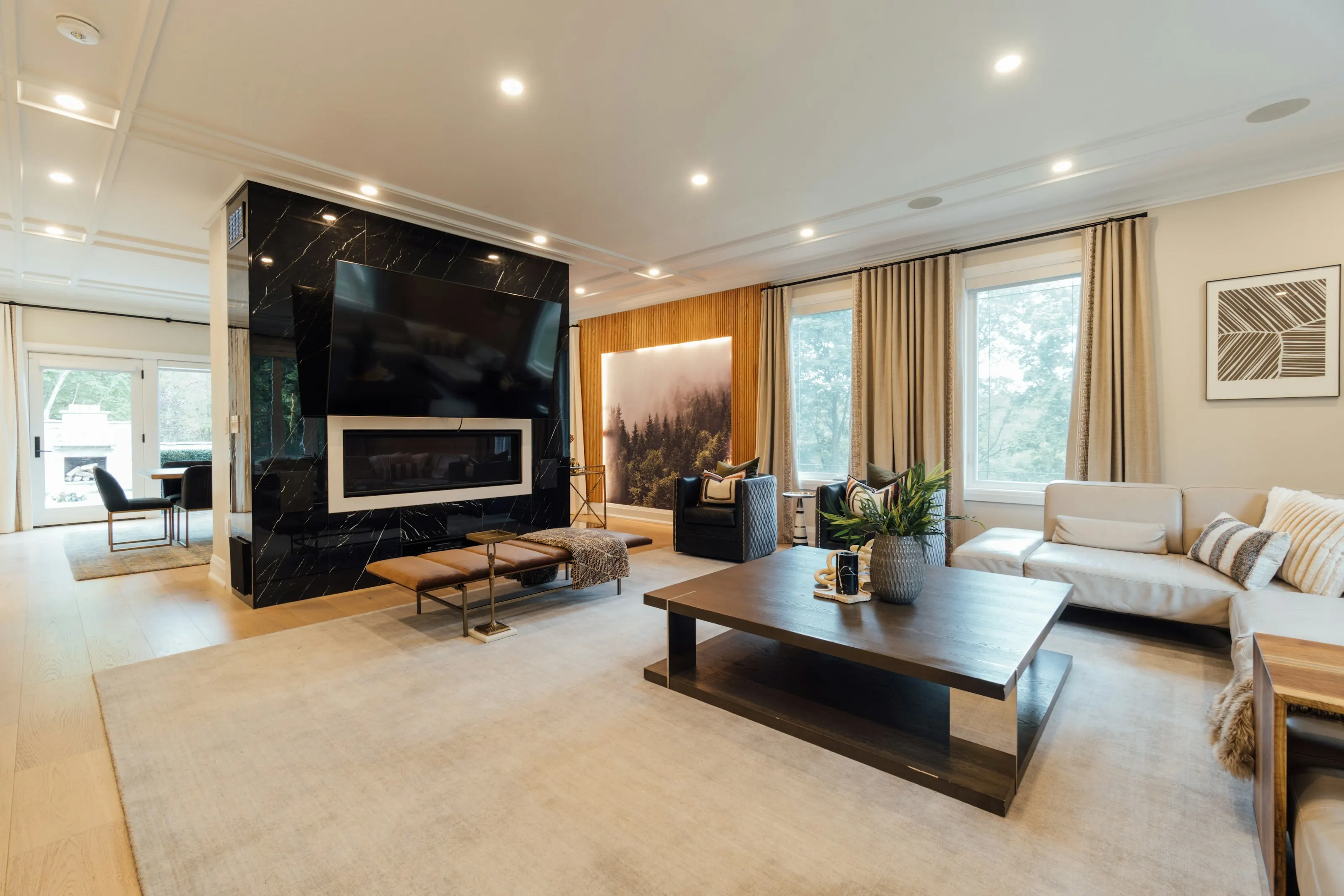
Illustrative photograph · Ariel Domenden / Unsplash — not a Vesta render
Updated · Vesta Studio
In short
- Vesta Studio automates the repetitive parts of preparing listing photos: one intake for a whole listing, every angle of a room staged on one seed, and the disclosure and audit record applied to every render.
- The AI Listing Agent drafts listing copy from the facts and photographs you supply, and an agent reviews it before it is published.
- Vesta does not publish anything for you: it produces the files, the originals page and the link, and the agent places them in the advertisement.
- The public developer API is a preview specification with no live endpoints, so automation today happens inside the studio, not from your own systems.
What runs automatically
- One intake per listing. Add every photo of a listing at once, grouped by area, and choose the room type and style once per area. The studio uploads the photos, creates the listing with every frame already configured, and starts rendering.
- Staging by area. Multi-angle staging renders every remaining frame of an area in one pass on a shared seed. The studio checks the credit cost against your balance before it starts, and you can re-run only the frames still queued or the whole area.
- Disclosure and record-keeping. Every render receives its AB 723 disclosure, a SHA-256 fingerprint and an append-only ledger entry before you see it, and every export is fingerprinted and recorded again.
- Originals and links. Every original photo is published on a public page. Exports can carry a QR code to it, and each listing gets one link to all of its originals for the MLS remarks or link field.
- Listing copy drafts. The AI Listing Agent turns your facts and up to three photographs into a headline, a description held to your MLS character limit, and feature bullets, with fair-housing phrases flagged.
What still needs a person
- Choosing the room type and style for each area, and checking every render against the original photograph.
- Reviewing listing copy for facts and fair-housing language before it is published.
- Placing the disclosure link or QR code wherever the advertisement appears, and following your MLS's own rules, which can ask for more than the statute does.
What is not available yet
- A public developer API. The API reference is a preview specification of a planned API. No endpoints are live, so the pipeline cannot yet be driven from your own systems.
- 360 panoramas from flat photos. Deliberately not built: no available method turns an ordinary photograph into a true 360 image, and a fake one in a listing would misrepresent the property.
Every tool page says plainly whether that tool can be used today. See all tools.
Cost at volume
- Free trial: three images (credits), once per account, with no card. Trial exports carry the Vesta studio mark; any paid plan removes it.
- Solo: $29 a month for 45 credits.
- Agent: $50 a month for 75 credits.
- Studio: $180 a month for 280 credits.
- Atelier and Enterprise: arranged through sales, from $280 and $1,200 a month, with an allowance negotiated to your volume.
One credit is one standard image up to 1536 pixels. Asking for several variants, or a higher output resolution, uses one more credit for each extra image or resolution step. Unused plan credits roll over, and annual billing is 15% off. One-time credit packs are no longer sold.
Questions, answered
Can Vesta Studio stage every photo of a listing in one go?
Close to it. One intake takes every photo of a listing, grouped by area, with the room type and style chosen once per area and carried onto each frame, and multi-angle staging then renders all remaining frames of an area in one pass on a shared seed. Each frame is still rendered, disclosed and recorded on its own, and each uses one credit.
Does Vesta Studio have a public API?
Not yet. The API reference is a preview specification of a planned public API, and no endpoints are live. Today the staging pipeline runs inside the studio.
Does Vesta post staged photos to the MLS automatically?
No. Vesta produces the staged files, the public page for each original and the listing's originals link; the agent uploads the photos and places the link or QR code wherever the advertisement appears.
Can the Listing Agent invent features to make a listing sound better?
It is instructed not to. It may use only facts you supply or that are plainly visible in the photographs, and it is told never to invent a number, a year, a school, a view or a renovation. Review the draft anyway, because the agent publishing it is responsible for it.
What does multi-angle staging hold constant across a room's photos?
The room type, the design style and the generation seed, across every frame of one area. That makes the set share a palette and a furniture language; it does not make individual pieces line up between viewpoints.
Do I have to maintain Vesta's audit ledger myself?
No. Vesta writes a ledger entry itself when a render finishes and again when a file is exported. Entries are append-only at the database level, so nobody can edit or delete them afterwards: not a customer, not support and not Vesta.
Which Vesta plan suits a brokerage staging at volume?
The largest self-serve plan, Studio, covers 280 credits a month (one credit per finished standard image) for $180. Beyond that, Atelier (from $280 a month) and Enterprise (from $1,200 a month) are arranged through sales, with an allowance negotiated to your volume and invoiced billing.
Are any Vesta Studio tools still in development?
Every tool in the current catalogue is marked as live, and each tool page states plainly whether it can be used today. What is still a preview is the public developer API: its reference is a specification of a planned API, with no live endpoints.